
SpinFred Sign Up and Login

Creating an account at SpinFred Casino is a quick process that most Aussie players finish in under three minutes. This page walks through the full registration flow from start to first deposit, covers what KYC verification involves and when it kicks in, and explains how the login system works for returning players. There's also a section on two-factor authentication for extra account security, plus a troubleshooting guide for the most common login issues. Everything an Australian player needs to set up a real-money account in AUD and start spinning is laid out below.
How to Register at SpinFred Casino
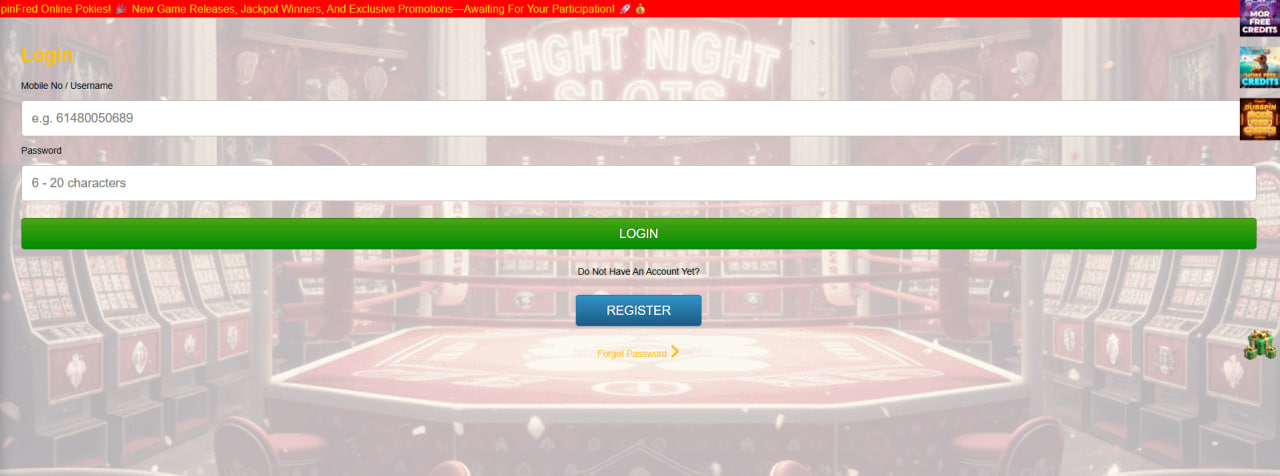
The sign-up form sits behind the Register button at the top of every page on the SpinFred Casino website. The whole process takes around three minutes and only asks for the basic details required by Australian gambling and anti-money-laundering rules. Players need a valid email address, an Australian residential address and a date of birth that confirms they are 18 or older.
- Open the SpinFred Casino homepage and click the Sign Up button in the top-right corner
- Enter a working email address, create a password of 8+ characters and choose a username
- Provide first name, last name, date of birth (18+) and Australian residential address with postcode
- Tick the boxes confirming age and acceptance of the terms, then submit the form
- Open the verification email from SpinFred Casino and click the activation link
Once the email is verified, the account is live and ready for the first AUD deposit. The cashier accepts PayID, Visa, Mastercard, bank transfer and several e-wallets. A first deposit of AU$20 or more triggers the welcome bonus, which is detailed on the bonuses page along with full T&Cs.
KYC Verification — Documents and Timing
KYC (Know Your Customer) verification is the identity check that every online casino in Australia must perform before processing a first withdrawal. The process is required by anti-money-laundering law and also helps SpinFred Casino protect player accounts from fraud. The system triggers verification automatically when a withdrawal is requested, but players can speed things along by uploading documents straight after registration rather than waiting until cash-out time.
- Government-issued photo ID — passport, driver's licence or Medicare card (clear, full-page scan)
- Proof of address — utility bill or bank statement dated within the last 90 days, showing the same name and address used during registration
- Payment method ownership — a screenshot or photo of the card or e-wallet used for the deposit (sometimes requested for cards)
Documents are uploaded through a secure portal inside the account settings. Most submissions clear within 24 to 72 hours. Common rejection reasons include blurry photos, expired IDs, mismatched names, or address details that don't line up with registration. Resubmitting corrected documents usually resolves the issue on the same day.
How the SpinFred Login Works
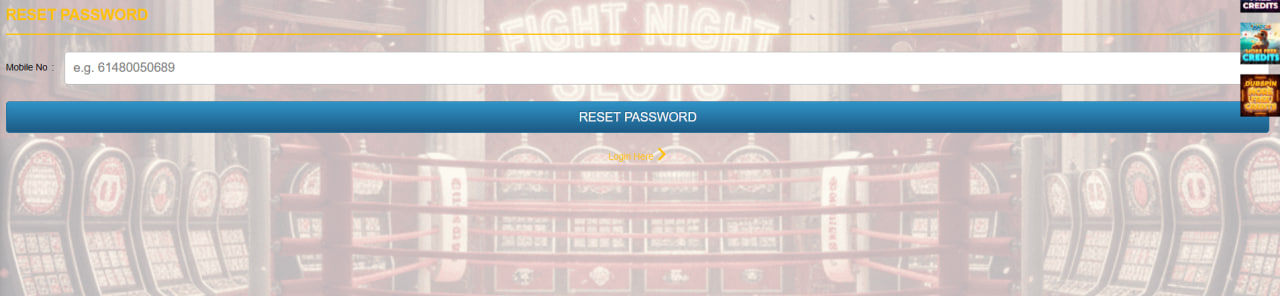
Returning players can sign in from the Login button in the site header on both desktop and mobile. The process is identical across devices: enter the registered email and password, complete the two-factor check if enabled, and the account dashboard loads with the current AUD balance, active bonuses and game history. Sessions stay live until the player closes the browser or manually logs out. Cookies need to be allowed for the session to persist, so browsers in strict privacy mode may need an exception. Full mobile login setup is covered on the mobile experience page.
2FA and Account Security
Two-factor authentication adds a second login layer beyond the password. SpinFred Casino supports authenticator apps (any TOTP-compatible app works) and SMS codes sent to an Australian mobile number on the +61 prefix. Once 2FA is switched on in account settings, every login and withdrawal requires both the password and a fresh six-digit code, which makes account takeover much harder.
- Use a 14+ character password unique to SpinFred Casino
- Save the 2FA backup codes in a secure place outside the phone
- Avoid logging in over public Wi-Fi without a VPN
Troubleshooting Login Issues
Most SpinFred login problems trace back to a small set of common causes — usually a forgotten password, an out-of-sync 2FA code or browser cookies blocking the session. The quick-fix table below covers the issues that come up most often. If none of these fixes the problem, the 24/7 live chat or email support team can take over.
| Issue | Quick Fix |
|---|---|
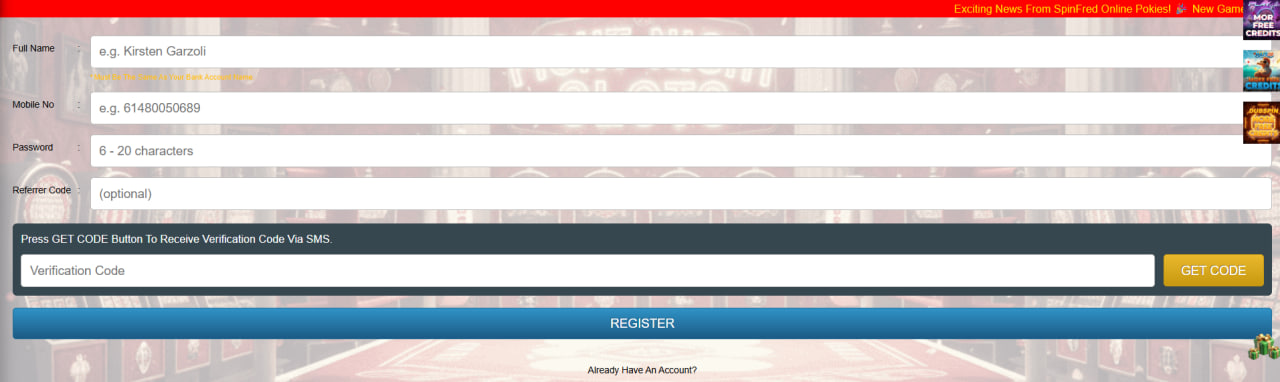
| Wrong password | Use the Forgot Password link and check inbox for reset email |
| 2FA code rejected | Re-sync the authenticator app clock or request a new SMS code |
| Browser shows cached error | Clear cache and cookies, or open the site in incognito mode |
| Account locked after failed attempts | Wait 15 minutes, then retry or contact live chat |
| Email not recognised | Check for typos; the account may not be activated yet |

Reginald Fitzhugh
Reginald Fitzhugh reports on SpinFred Casino at spin-fred-casino.com, the 2024-launched AUD-only offshore platform with a deliberate transparency caveat (independent reviewers have raised licence-verification questions, openly acknowledged on the Safety page). Covers the 2,400+ pokies from NetEnt / Pragmatic Play / Play'n GO / Microgaming / Yggdrasil / BGaming / Evolution Gaming, 70+ live dealer tables (HD Evolution streams), 3-deposit AU$2,400 + 60 FS welcome at 35x on bonus-only (friendlier!) with 🆕 daily FS batches 10/day across 6 days at AU$0.20, 🚨 AU$200 max FS cashout, 7-day expiry per step with independent timers, 🔥 weekly cashback 10% AU$200 cap at 1x wagering (cash-equivalent!), Weekend Reload 50%/AU$150, AUD-native banking with PayID (NAB/ANZ/Westpac/Commonwealth Bank), 🆕 POLi shut-down 2022 caveat, Bitcoin/Ethereum/Litecoin crypto in 10-30 min, KYC 24-72h, HTML5 mobile (Safari 15+/Chrome 100+/iOS 15+/Android 10+), 🆕 fingerprint autofill via browser credential manager, 2FA TOTP+SMS +61, plus Lifeline 13 11 14 and Gambler's Help.